
Business owners and founders
Your calendar, tasks, invoices and customers, answered from one chat.
“What is on my plate this week, and what can wait?”
GetMCP lets Claude, ChatGPT and other AI assistants work inside the apps you already use. You set it up from a template or by asking Claude, with no code. This Black Friday every plan is a one-time payment, from $79.
30-day money-back guarantee on every paid plan.
Lifetime, paid onceYearly, added up
If you use Claude or ChatGPT and the apps you work in have an API, GetMCP lets the AI read and update them for you. You never write code.
Your calendar, tasks, invoices and customers, answered from one chat.
“What is on my plate this week, and what can wait?”
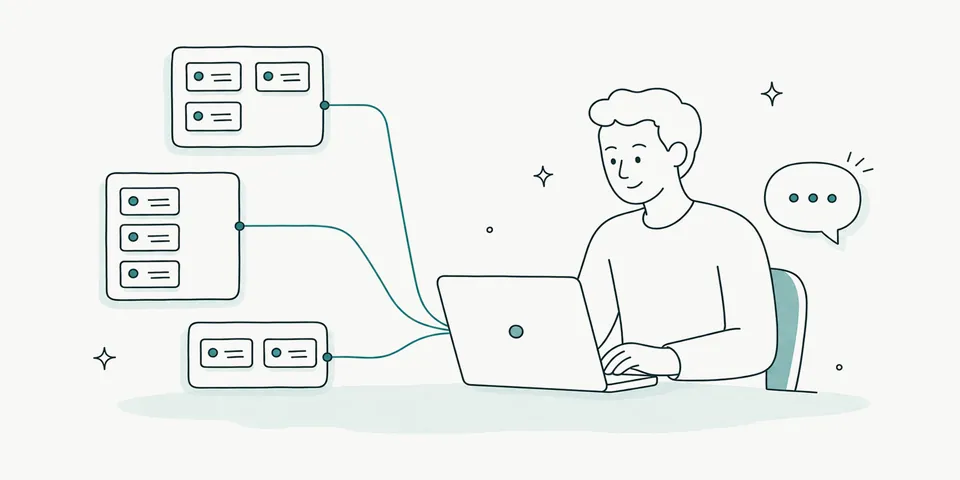
Client projects, client sites and reports, without opening five dashboards.
“Which client boards have overdue tasks?”

Orders, products and customers from your store database, in plain English.
“Which products sold best last month?”

Content calendars, campaign numbers and weekly reports, written for you.
“Write this week’s client report from HubSpot and Mailchimp.”

Your CRM, helpdesk and payments, updated straight from the conversation.
“Which payments failed this week, and who should we email?”
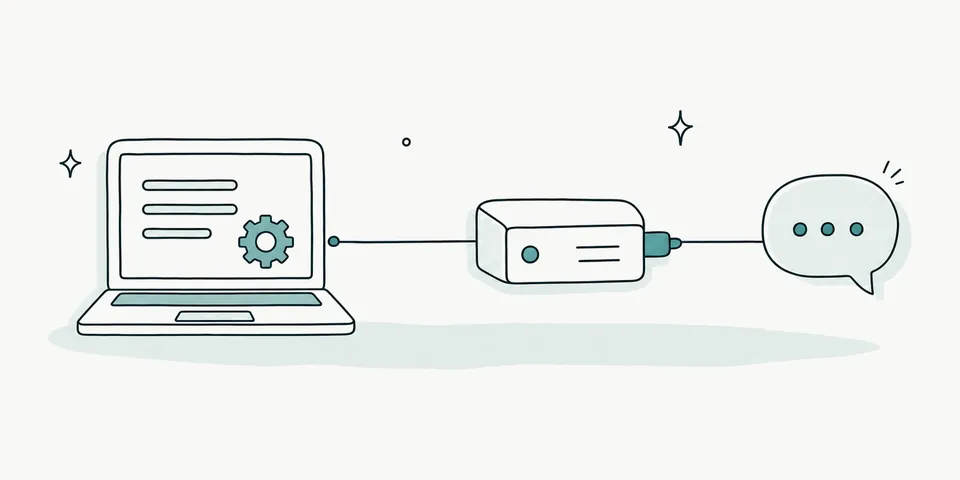
Turn your own API into an MCP server from its OpenAPI spec, and give your users one endpoint.
“Publish our API to Claude with per-client rate limits.”
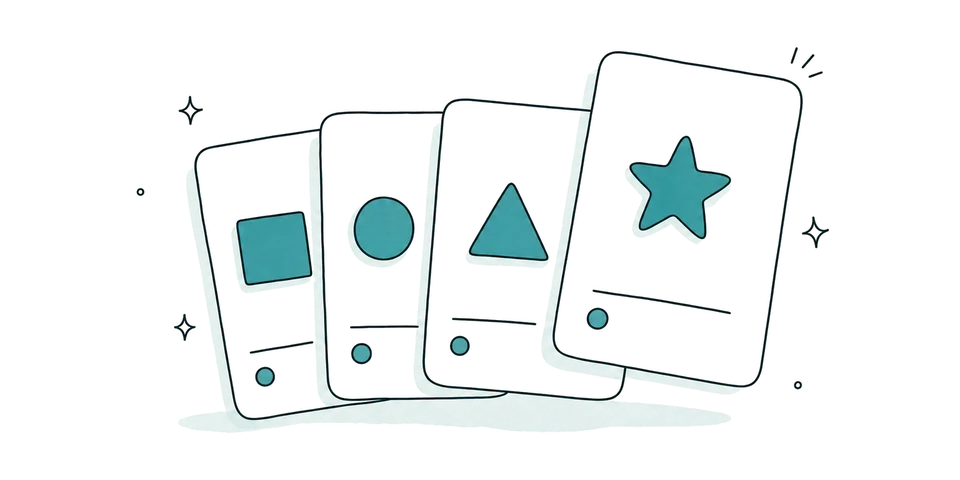 Pick a templateSeventeen ready servers for apps like Stripe, Notion, WordPress, WooCommerce and Gmail.
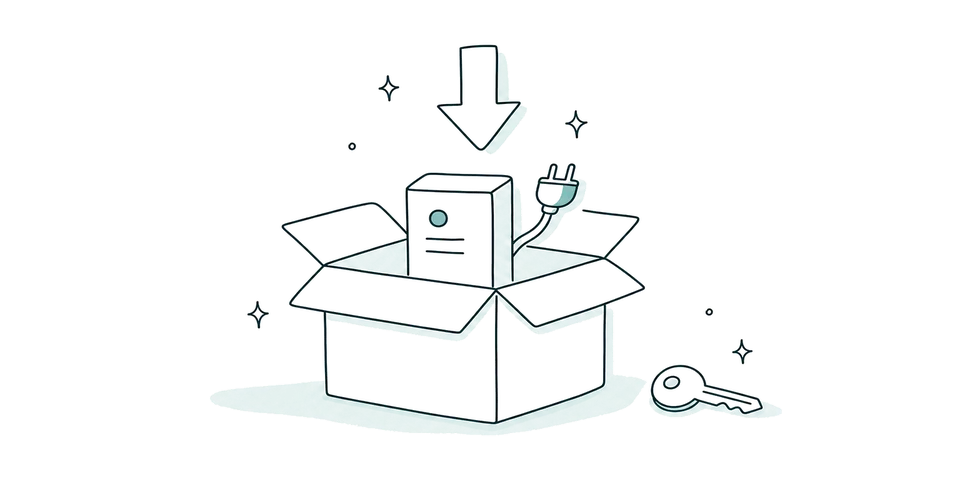 Import a ready-made serverDownload a finished setup from our use-case library and add your own key.
 Ask Claude to build itDescribe what you want, share the app’s API page, and Claude creates the tools in GetMCP.
Connect once and your tools show up in any MCP client.
 Claude
 Claude Code
 ChatGPT
 Cursor
 VS Code
 Windsurf
 Zed
 Gemini CLI
 Codex
 Cline
 OpenClaw
GetMCP is software you install on your own hosting, so your data and API keys stay with you. Run it as a standalone app or as a WordPress plugin. It is the same product, and one licence covers both.
Runs on its own on any host with PHP 8.3: shared hosting, cPanel, a VPS, Docker or Windows. No WordPress needed.
Installs like any plugin into a WordPress site you already run. WordPress takes care of logins, updates and scheduled tasks.
Every plan is the full product. They differ in how many sites one licence covers.
Yearly plans and the free Solo plan are on the pricing page.
Solo is free for as long as you use it and needs no card. Connect the API you have in mind, try it from Claude or ChatGPT, and buy a lifetime plan before 15 December once it does the job.
“I initially signed up for a free account to prove that my goal was possible. … Once I got the hang of it, I quickly created 10 tools that will make a big difference in supporting my infrastructure. So have purchased the Agency plan”
Every paid plan has a 30-day money-back guarantee, counted from your first payment. No questions asked.
Split payments: the first instalment is refundable when you request it within 30 days of paying it. Later instalments are not refundable.
Every example below is set up without writing code. Your keys and data stay on your own server.
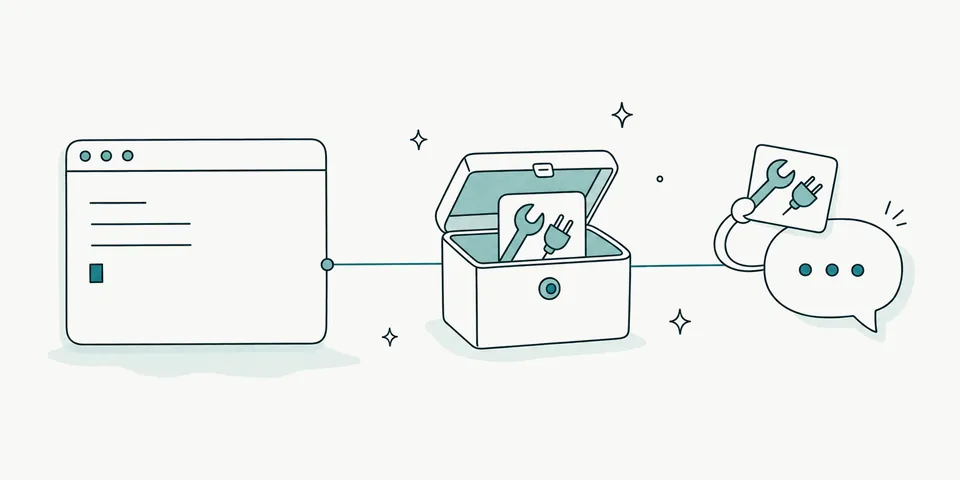
If an app has an API, GetMCP turns it into tools Claude can use. Share the app’s API page with Claude, say what you need, and it builds the tools.
“Add a tool that lists overdue invoices from our billing app.”
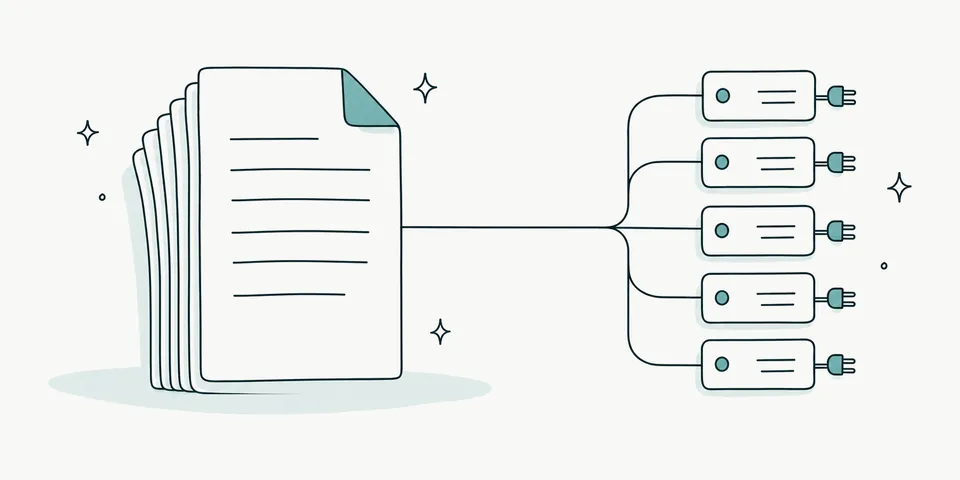
Import the app’s API description and every action it offers becomes a tool you can use from chat.
“Show me the customers who signed up last month.”

Connect MySQL or PostgreSQL. It starts read-only, with row limits and timeouts, so you can ask safely. Works with Supabase.
“Which products sold best last month?”
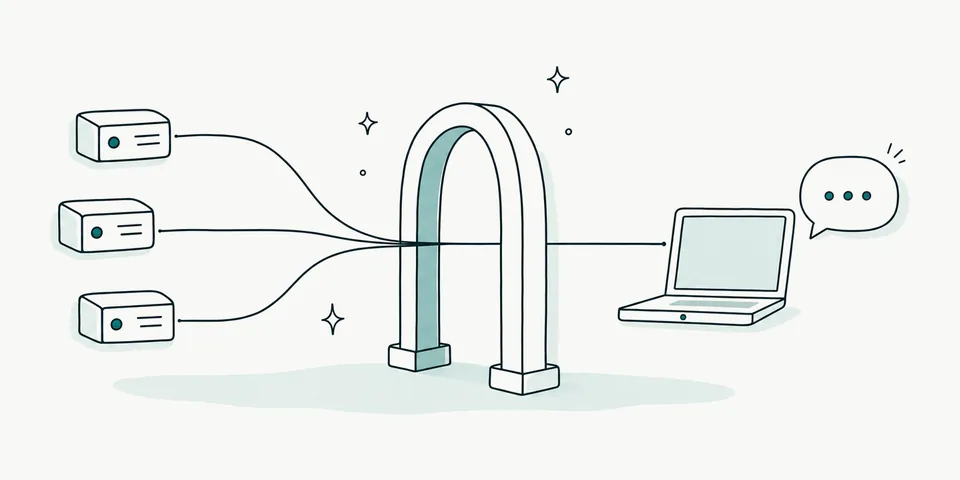
The MCP Gateway puts every server behind one address. Add GetMCP to Claude once, and every app you connect later shows up there.
“Plan my day from the calendar and the task board.”

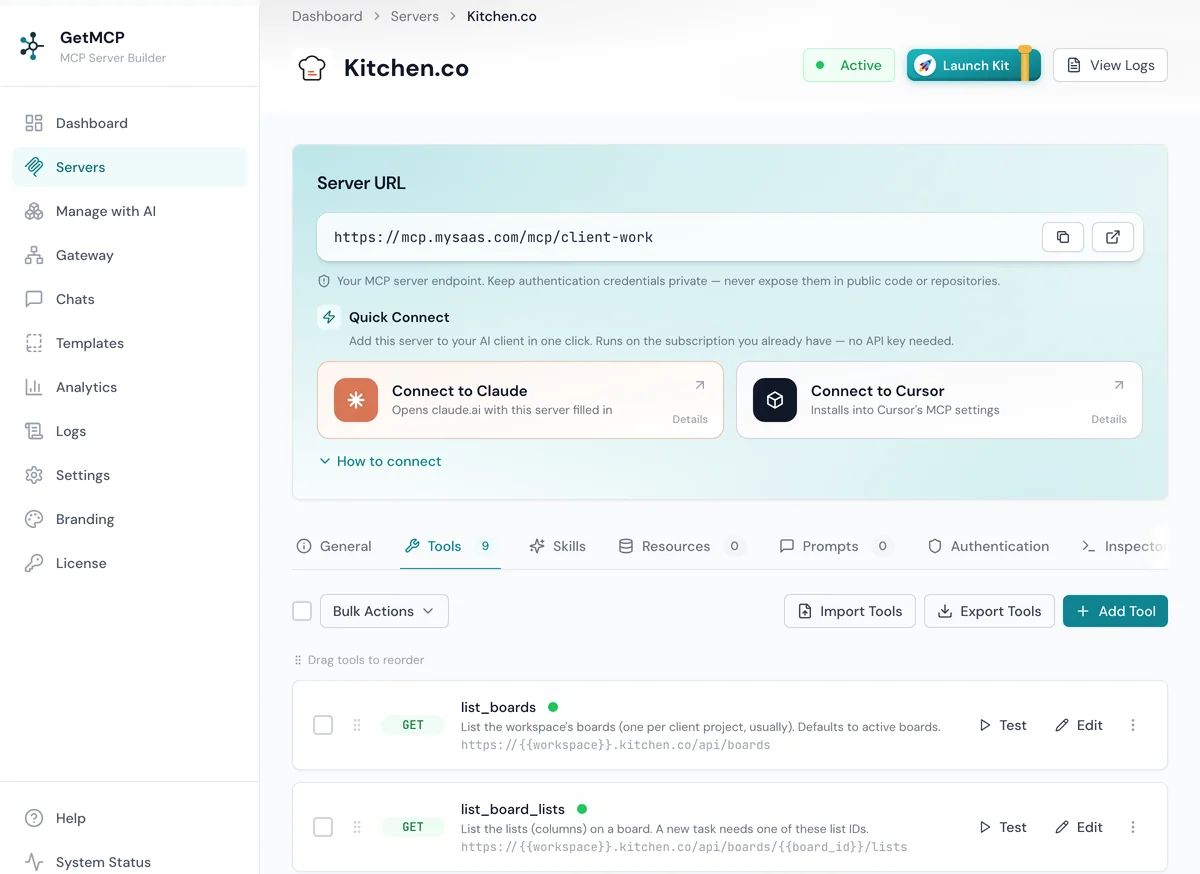
Sign in from Claude or Cursor and describe what you need. Claude creates the servers and tools in GetMCP for you.
“Connect our Kitchen.co workspace and add a tool for overdue tasks.”

Gmail, Outlook or any IMAP mailbox. Claude reads, searches and files email, and sending stays off until you switch it on.
“Summarise unread client emails and file the receipts.”
“I'll be honest, I didn't think our team would ever get to where somebody could hang up a sales call and not have to go touch the CRM after, but here we are. We used GetMCP to connect Claude to our financial planning software and our CRM for our fiduciary practice and it's changed how our day to day runs.”
“Our internal CRM API had a Postman collection sitting unused for months. I imported it into GetMCP and had a working MCP server in under twenty minutes. Our Claude agent now reads and updates CRM records directly, with no custom backend code. That alone justified the price.”
“We hooked up our CRM in 5 minutes, now Claude can help maintain enrich assign tasks on autopilot. The hardest part is looking for more business SaaS to itegrate :) Thanks so much team, its really magic!!”
“Our helpdesk was one of them: decent REST API, no native MCP server, so our AI agents couldn't touch it. Since adding GetMCP, our whole team can now run the helpdesk from any chatbox through an AI agent, from anywhere in the world.”
“Claude hooked up a bunch of Google APIs for seo and site monitoring and I added the WordPress management API. And now it’s all done from the comfort of the LLM. No need for a million tabs open. Fantastic.”
“It is now so easy to set up MCP! I’m using it across all my application stacks that have an API but no native MCP support. It has saved me a tremendous amount of time and energy compared with building integrations myself, while also helping streamline my entire workflow.”
“I really like GetMCP. It makes my work much easier, and the connection stays stable without constant reconnecting. Through one MCP connection, I can give my AI access to the services I choose and let it handle many useful tasks across my tools.”
Anything else? Open a ticket at support.getmcp.com. A person answers.
No. Most people set GetMCP up from a template, a ready-made server or by asking Claude to build the tools. You do need somewhere to install it: any web hosting that can run WordPress can run GetMCP, and the installer walks you through it.
No. It is software you install on your own hosting, as a standalone app or a WordPress plugin. Your API keys and data stay on your server, and your AI assistant connects to it there.
You pay once and the licence never renews. Product updates and support follow the licence terms, the same as for every GetMCP licence.
One install of GetMCP, either the standalone app on your own server or the WordPress plugin. Starter covers 1 install, Pro 10, Studio 20, Agency 50, Scale 100, and Unlimited has no limit.
Each plan has a set number of licences at the Black Friday price. When a plan's licences are gone, that plan closes, even if the sale is still running. The count on each plan is live.
Choose Split payment at checkout and pay the same total in 3 instalments, a month apart. It is still a one-time lifetime licence, not a subscription, and it works from the first instalment. If a later instalment fails, we email you before anything changes.
Yes. Buy the lifetime plan that covers your sites and write to support. We cancel the yearly renewal so you are not charged again.
No. White Label is a separate add-on. It works with every plan, including Solo.